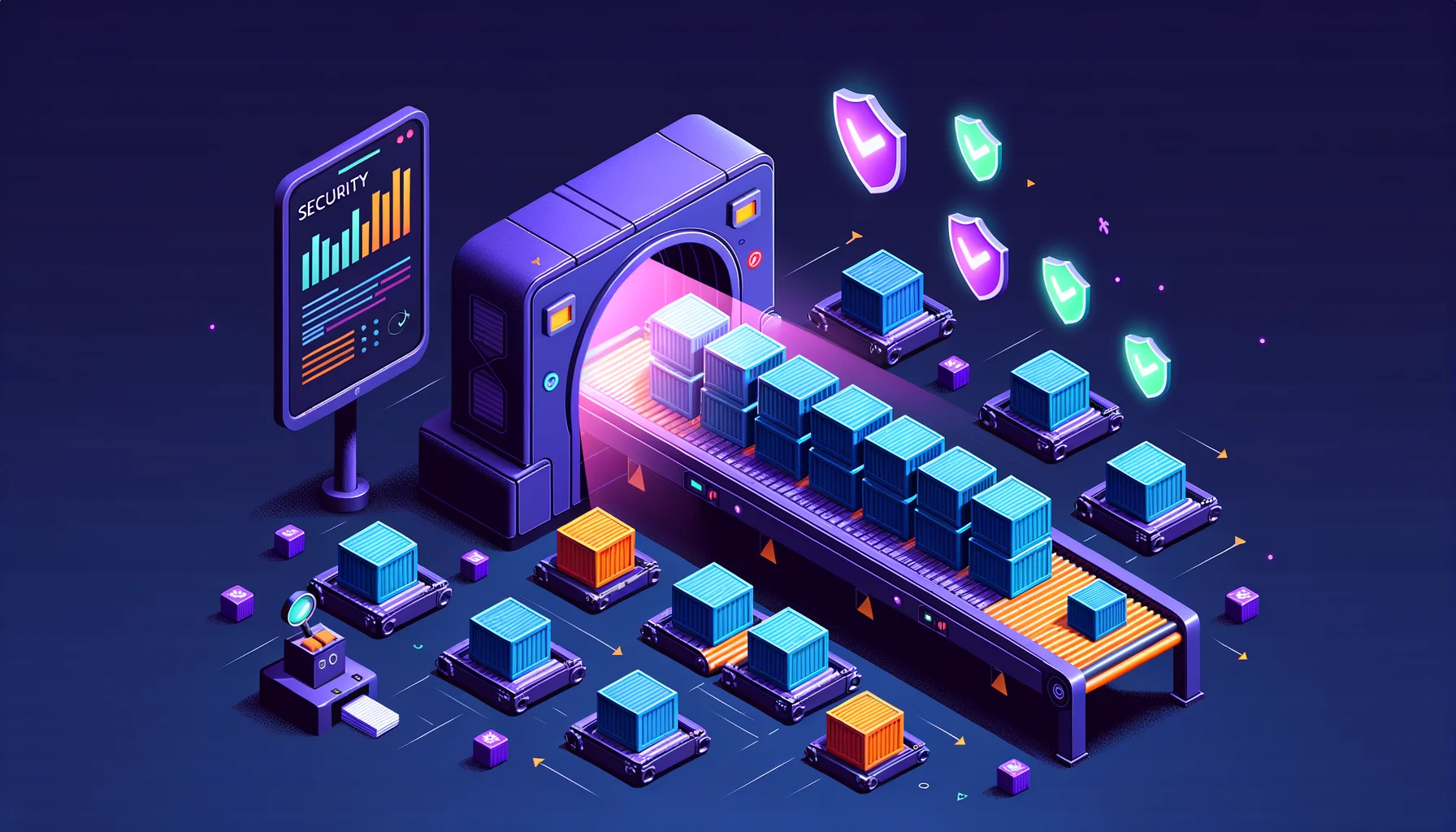
Pull a base image, copy in your code, push it to production. That’s the loop most of us run on autopilot. The part nobody looks at is the base image itself, which quietly drags in a few hundred packages you never chose. Any one of them could carry a known CVE, and you’d have no idea.
That bothers me. I don’t like running things I can’t inspect, and a container image you haven’t scanned is exactly that: a black box you’re trusting because looking inside felt like too much effort.
Trivy is how I stopped trusting and started looking. It’s an open-source vulnerability scanner from Aqua that tells you what’s actually inside an image and which of those packages have known problems. In this post I’ll build up a GitLab CI setup from the smallest useful version to the one I run in production, one layer at a time.
Why Trivy and not the others
There are plenty of scanners. Snyk, Anchore, and Clair all do the job. I landed on Trivy for reasons that line up with how I like to run things:
- Single binary. No database server, no daemon, no setup ritual.
- Speed. Scans finish in seconds. Slow tools get skipped, and a skipped scan protects nothing.
- Broad coverage. OS packages, language dependencies, and IaC misconfigurations in one tool.
- CI-friendly. Sensible exit codes and a handful of output formats.
- Free. No licence seats to count, no procurement conversation.
Snyk, Anchore, and Clair are all fine choices if they fit your situation. For me, Trivy’s lack of moving parts won. Fewer things to run means fewer things to understand when something breaks.
The simplest version that works
Here’s the smallest GitLab CI config that does something useful: build, scan, and only push if the scan passes.
stages:
  - build
  - scan
  - push

variables:
  IMAGE_TAG: $CI_REGISTRY_IMAGE:$CI_COMMIT_SHA

build:
  stage: build
  image: docker:24
  services:
    - docker:24-dind
  script:
    - docker build -t $IMAGE_TAG .
    - docker save $IMAGE_TAG -o image.tar
  artifacts:
    paths:
      - image.tar
    expire_in: 1 hour

scan:
  stage: scan
  image: aquasec/trivy:latest
  script:
    - trivy image --input image.tar --exit-code 1 --severity HIGH,CRITICAL
  allow_failure: false

push:
  stage: push
  image: docker:24
  services:
    - docker:24-dind
  script:
    - docker load -i image.tar
    - docker login -u $CI_REGISTRY_USER -p $CI_REGISTRY_PASSWORD $CI_REGISTRY
    - docker push $IMAGE_TAG
  needs:
    - build
    - scan
Three things make this work:
- Build first, scan second. The image gets saved as a tarball artifact and handed to the scan stage.
- Exit code 1. Trivy fails the pipeline when it finds a HIGH or CRITICAL vulnerability.
- Push only after the scan passes. No vulnerable image ever reaches the registry.
If you stop reading here, you already have a working gate. Everything below is refinement.
Reading the output
When Trivy finds something, it hands you a table like this:
┌──────────────────┬────────────────┬──────────┬────────────────────────────────────┐
│     Library      │ Vulnerability  │ Severity │          Installed Version         │
├──────────────────┼────────────────┼──────────┼────────────────────────────────────┤
│ openssl          │ CVE-2024-0727  │ HIGH     │ 3.0.2-0ubuntu1.10                  │
│ libcurl4         │ CVE-2024-2398  │ MEDIUM   │ 7.81.0-1ubuntu1.15                 │
│ python3.10       │ CVE-2024-0450  │ HIGH     │ 3.10.12-1~22.04.3                  │
└──────────────────┴────────────────┴──────────┴────────────────────────────────────┘
That’s the whole point. You now know which packages have issues, how bad each one is, and which version is affected. Before this, the honest description of your security posture was “probably fine.” Now you can actually answer the question.
Going further: severity thresholds
Not every finding deserves a red pipeline. Trivy lets you tune the threshold to match what you’re willing to ship:
# Fail only on critical - fast but risky
trivy image --exit-code 1 --severity CRITICAL

# Fail on high and critical - balanced
trivy image --exit-code 1 --severity HIGH,CRITICAL

# Fail on medium and above - strict
trivy image --exit-code 1 --severity MEDIUM,HIGH,CRITICAL
Start with HIGH,CRITICAL. You can always tighten later. Go too strict on day one and you’ll drown in MEDIUM findings, people will start clicking through the red without reading it, and the gate becomes theatre.
Going further: false positives
Sometimes Trivy flags a CVE that genuinely doesn’t apply to you. The code path is never reached, or there’s simply no fix yet. A .trivyignore file handles those:
# CVE doesn't affect our code path
CVE-2024-0727

# No fix available yet, tracking in JIRA-1234
CVE-2024-2398
Point the scan at it:
trivy image --input image.tar --ignorefile .trivyignore --exit-code 1
Write down why you’re ignoring each CVE, right there in the file. Six months from now you won’t remember, and an undocumented ignore is just a hole in your gate with no audit trail.
Going further: output formats
The default table is for humans. Trivy speaks other formats too, depending on who or what is reading:
# Human readable table (default)
trivy image --format table $IMAGE_TAG

# JSON for programmatic processing
trivy image --format json --output results.json $IMAGE_TAG

# SARIF for GitHub/GitLab security dashboards
trivy image --format sarif --output trivy.sarif $IMAGE_TAG

# HTML report for stakeholders
trivy image --format template --template "@contrib/html.tpl" --output report.html $IMAGE_TAG
For GitLab’s built-in security dashboard, generate its native report format:
scan:
  stage: scan
  image: aquasec/trivy:latest
  script:
    - trivy image --format template --template "@/contrib/gitlab.tpl" --output gl-container-scanning-report.json $IMAGE_TAG
    - trivy image --exit-code 1 --severity HIGH,CRITICAL $IMAGE_TAG
  artifacts:
    reports:
      container_scanning: gl-container-scanning-report.json
Now the findings show up directly in the merge request, where the person reviewing the change can actually see them.
Going further: scanning more than images
Trivy doesn’t stop at container images. The same binary handles your source tree, a remote repo, and your Kubernetes or Terraform config:
# Filesystem (your project directory)
trivy fs --exit-code 1 .

# Git repository
trivy repo https://github.com/your/repo

# Kubernetes manifests
trivy config ./k8s/

# Infrastructure as Code
trivy config ./terraform/
A fuller security stage might run several of these together:
security-scan:
  stage: scan
  image: aquasec/trivy:latest
  script:
    # Scan source code dependencies
    - trivy fs --exit-code 0 --severity HIGH,CRITICAL . --format table

    # Scan Kubernetes manifests for misconfigurations
    - trivy config ./k8s/ --exit-code 0 --severity HIGH,CRITICAL

    # Scan container image (this one fails the build)
    - trivy image --input image.tar --exit-code 1 --severity HIGH,CRITICAL
Going further: caching the database
Trivy pulls a vulnerability database on every run. In CI that’s wasted minutes and an external dependency you don’t need on the critical path. Cache it:
variables:
  TRIVY_CACHE_DIR: .trivy-cache

scan:
  stage: scan
  image: aquasec/trivy:latest
  cache:
    key: trivy-db
    paths:
      - .trivy-cache
  script:
    - trivy image --cache-dir $TRIVY_CACHE_DIR --input image.tar
Or split the download from the scan so you control exactly when the network call happens:
scan:
  image: aquasec/trivy:latest
  before_script:
    - trivy image --download-db-only
  script:
    - trivy image --skip-db-update --input image.tar
The full picture: my production config
Here’s what I actually run. It’s the simple version from the top, plus every layer we just walked through:
stages:
  - build
  - scan
  - push
  - deploy

variables:
  IMAGE_TAG: $CI_REGISTRY_IMAGE:$CI_COMMIT_SHA
  TRIVY_CACHE_DIR: .trivy-cache
  # Don't fail on unfixed vulnerabilities
  TRIVY_IGNORE_UNFIXED: "true"

.trivy-template: &trivy-template
  image: aquasec/trivy:latest
  cache:
    key: trivy-db
    paths:
      - .trivy-cache

scan-image:
  <<: *trivy-template
  stage: scan
  script:
    # Generate report for GitLab dashboard
    - trivy image
        --cache-dir $TRIVY_CACHE_DIR
        --format template
        --template "@/contrib/gitlab.tpl"
        --output gl-container-scanning-report.json
        --input image.tar

    # Fail on fixable HIGH/CRITICAL
    - trivy image
        --cache-dir $TRIVY_CACHE_DIR
        --exit-code 1
        --severity HIGH,CRITICAL
        --ignore-unfixed
        --input image.tar
  artifacts:
    reports:
      container_scanning: gl-container-scanning-report.json
  needs:
    - build

scan-config:
  <<: *trivy-template
  stage: scan
  script:
    - trivy config
        --cache-dir $TRIVY_CACHE_DIR
        --exit-code 1
        --severity HIGH,CRITICAL
        ./k8s/
  allow_failure: true  # Warning only, don't block
Three decisions in there are worth calling out, because they’re trade-offs rather than obvious defaults:
--ignore-unfixed. Failing on a vulnerability that has no available patch just blocks me with no action to take. I’d rather know about it without it stopping the line.- Config scan as a warning. Misconfigurations matter, but I don’t want a stray
k8s/nit blocking every deploy. It nags, it doesn’t gate. - Cached database. Faster builds and one fewer external dependency in the hot path.
The pipeline is the safety net, not the first line
There are two ways to think about where scanning lives. Gate keeping puts it at build time: scan the image, block the bad ones from the registry, enforce the standard before anything deploys. Shift left pushes it earlier, into the developer’s hands with pre-commit hooks and IDE plugins, so feedback arrives in seconds instead of after a pipeline run.
I run both. The pipeline catches whatever slips through, but a developer should see the problem before they ever commit:
# Developer workflow
trivy fs .  # Scan before commit
docker build -t myapp .
trivy image myapp  # Scan before push
Think of the pipeline as the seatbelt. Useful exactly when something has already gone wrong, but you’d rather not be relying on it as your primary plan.
Rescanning at promotion time
If you deploy with ArgoCD, hang one more scan on the promotion step:
promote-to-prod:
  stage: deploy
  script:
    # Re-scan the specific image version before promotion
    - trivy image --exit-code 1 --severity CRITICAL $IMAGE_TAG

    # Update GitOps repo only if scan passes
    - |
      cd gitops-repo
      kustomize edit set image myapp:${CI_COMMIT_TAG}
      git commit -am "Promote ${CI_COMMIT_TAG} to production"
      git push
  rules:
    - if: $CI_COMMIT_TAG =~ /^v[0-9]+/
An image that was clean at build time isn’t guaranteed to be clean a week later, because new CVEs land all the time. Rescanning right before you write the new tag into the GitOps repo means a vulnerability disclosed after the original build still gets caught before it reaches production.
Beyond vulnerabilities: the SBOM
A Software Bill of Materials is an inventory of everything in your image. Trivy generates one in a single command:
trivy image --format spdx-json --output sbom.json $IMAGE_TAG
Worth having for a few reasons:
- Compliance. Some industries now require an SBOM by default.
- Incident response. When the next big CVE drops, you grep your stored SBOMs instead of rebuilding and rescanning every image under pressure.
- Supply chain visibility. You know your dependencies before someone else points one out to you.
Store the SBOM next to the image in your registry so it’s there when you need it.
Common pitfalls
Scanning the wrong thing
# Wrong - scans the trivy image itself
trivy image aquasec/trivy:latest

# Right - scans your built image
trivy image --input image.tar
Swallowing the exit code
# Wrong - always succeeds
trivy image $IMAGE_TAG || true

# Right - fail on findings
trivy image --exit-code 1 $IMAGE_TAG
Alert fatigue
Start at MEDIUM with no ignores and you’ll get hundreds of findings on day one. People stop looking, and a gate nobody reads is just latency. Start strict on critical, expand as you clean house.
Why I bother
This was never about ticking a compliance box. It’s about being able to answer a simple question when the next critical CVE gets announced: which of my images are affected, which services run them, and how fast can I patch?
Without scanning, every one of those questions is a manual hunt across every image you’ve ever shipped, done under time pressure with someone watching. With Trivy wired into the pipeline, the answer is already sitting in front of you. That’s the difference between knowing what you run and hoping it’s fine.
You can’t protect what you can’t see. Container scanning makes the contents of your images visible, turning black boxes into documented, auditable systems.