Kubernetes RBAC access control visualization

Kubernetes RBAC: Least Privilege in Practice

The first cluster I ever ran in anger had exactly one permission model: everything was cluster-admin. My CI pipeline, my monitoring stack, the little webhook receiver I threw together one afternoon. All of it could read every secret, delete every deployment, and touch every namespace. It worked great right up until I started thinking about what happens when one of those pods gets popped. Kubernetes RBAC (Role-Based Access Control) answers a single question: who can do what to which resources? The default answer on most clusters is “everyone can do everything,” and that answer quietly becomes your biggest liability. ...
August 19, 2025 · 12 min read · Tom Meurs
Vault secrets management visualization

Vault for Beginners: Secrets Management in Kubernetes

The first time I ran kubectl get secret myapp -o yaml and base64-decoded the value, I felt my stomach drop. There was my database password, sitting in etcd, readable by anyone who could reach the API with the right RBAC. Kubernetes Secrets are not secrets. They’re base64-encoded plain text with a fancy name. That’s the default, and it’s the thing nobody warns you about on day one. Every cloud provider has a fix for sale. AWS has Secrets Manager, Google has Secret Manager, Azure has Key Vault. They work. The catch shows up later: the day you need to migrate, the day you want to know exactly what happens to a secret after you write it, the day you realise your most sensitive data lives in a system you can’t inspect. ...

July 2, 2025 · 13 min read · Tom Meurs
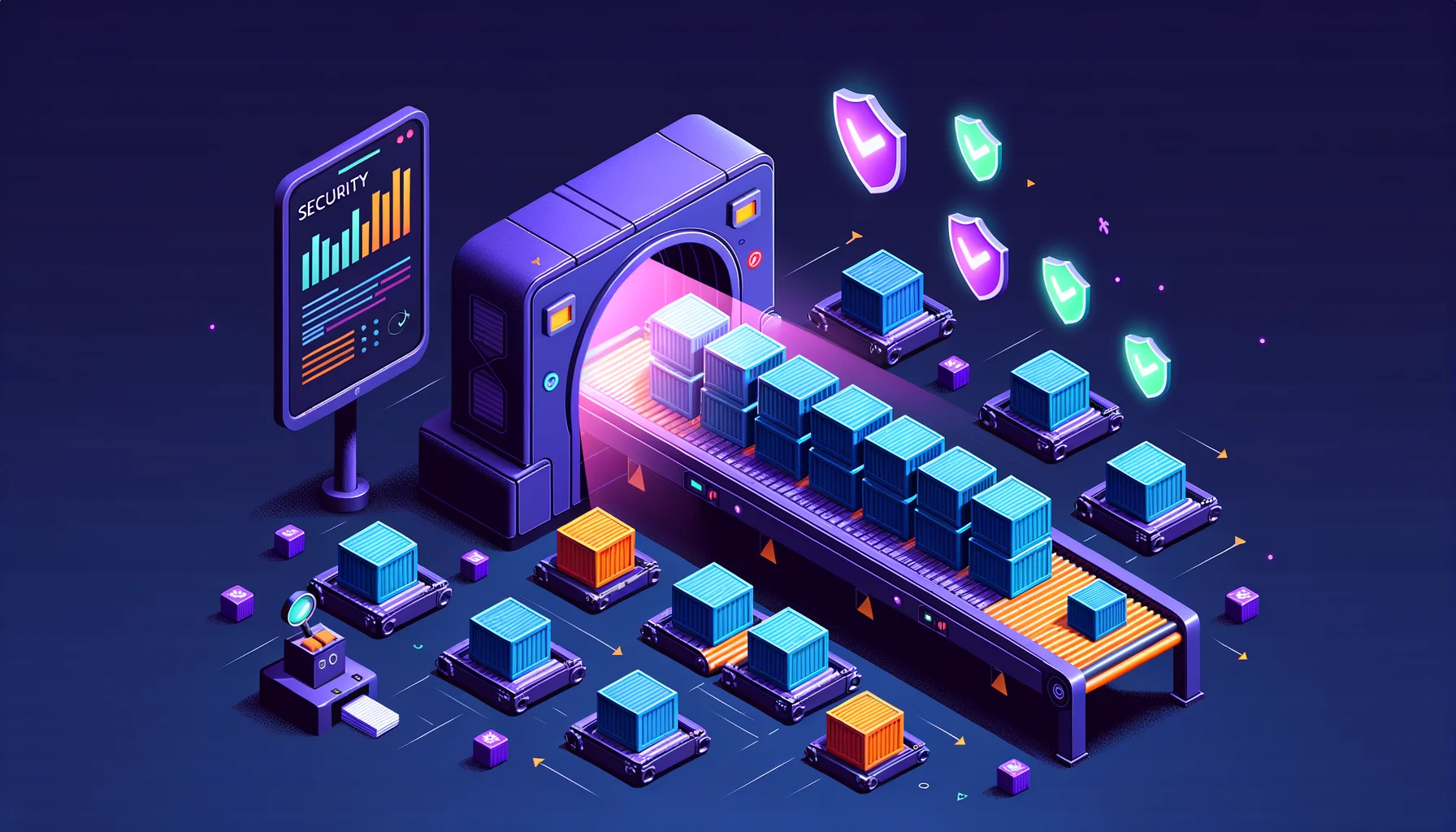
Container security scanning pipeline visualization

Container Image Scanning with Trivy in Your CI Pipeline

Pull a base image, copy in your code, push it to production. That’s the loop most of us run on autopilot. The part nobody looks at is the base image itself, which quietly drags in a few hundred packages you never chose. Any one of them could carry a known CVE, and you’d have no idea. That bothers me. I don’t like running things I can’t inspect, and a container image you haven’t scanned is exactly that: a black box you’re trusting because looking inside felt like too much effort. ...

June 8, 2025 · 9 min read · Tom Meurs
Automated semantic versioning pipeline

Automating Semantic Versioning with GitLab CI

Picture the end state first. You merge a branch to main, walk away to get coffee, and by the time you’re back the project has a new version tag, a fresh changelog entry, and a GitLab release with notes written from your commits. Nobody decided “is this 1.4.0 or 1.3.5?” because nobody had to. The version fell out of the work itself. That’s where I want to get to in this post. I run a self-hosted GitLab and I do not want versioning to be a thing I think about. A version number that someone picks by hand is a tiny black box: it depends on whether that person remembered the rules, was paying attention, and agreed with everyone else about what counts as a breaking change. I would rather the number be a consequence of the commits, something I can inspect and reproduce. ...

May 27, 2025 · 8 min read · Tom Meurs
GitLab CI pipeline for Kubernetes

GitLab CI for Kubernetes: From Commit to Deployment

For a long time my CI lived on someone else’s servers. Push code, wait for a hosted runner, watch the minutes tick down against a monthly quota, hope the provider doesn’t change the rules next quarter. It worked, right up until I started asking where my source code actually sat while it was being built, and who else could see it. So I moved GitLab in-house. I run it self-hosted now, on my own hardware, next to the clusters it deploys to. That’s sovereignty applied to CI/CD: my code, my builds, my artifacts, no vendor that can change pricing, deprecate a feature I depend on, or read my repositories without me knowing. ...

May 15, 2025 · 10 min read · Tom Meurs